Automated Backups for Your Servers & Databases
You have a backup of your laptop, but what about your cloud infrastructure?
We configure simple, automated backups for your servers and databases so you never lose critical data.
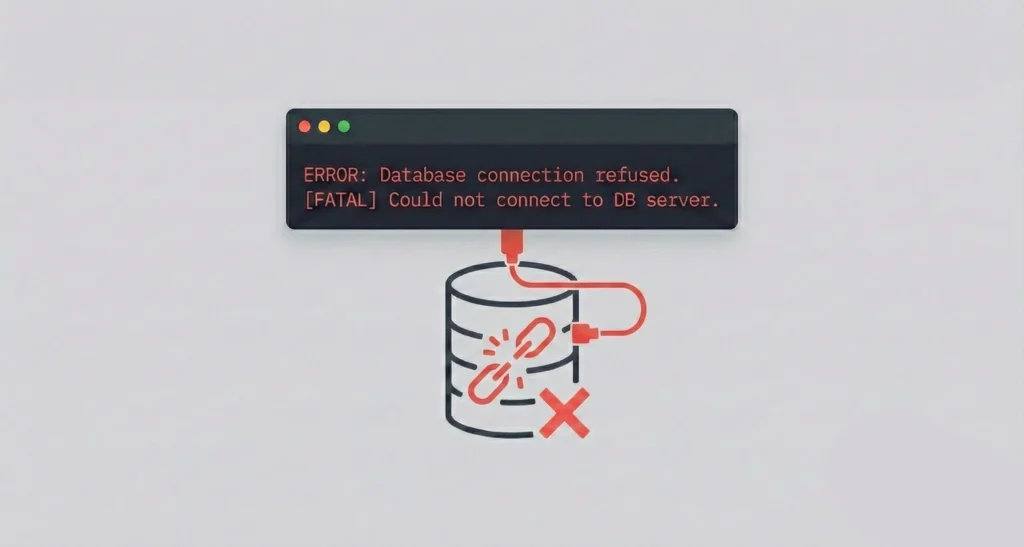
The "Set It and Forget It" Trap
Many small businesses spin up a server (on AWS, DigitalOcean, or Linode) or a database, set it running, and then forget about it. It works great—until it doesn’t.
What usually goes wrong? It’s rarely a massive disaster. Usually, it’s a bad update.
You run a system update and the server won’t reboot.
A developer accidentally drops a table in the database.
A payment plugin malfunctions and corrupts your order history.
If your only backup is on the broken server itself, you are stuck. You need an automated external copy.
Practical Backup Solutions
Server Snapshots
We configure your cloud provider to automatically take a “snapshot” of your entire server every night. If an update breaks your machine, we can revert the whole thing to how it looked yesterday with one click.
Database Protection
Whether you use MySQL, Postgres, or a managed database, we set up automated dumps. We export your data and send it to a secure, separate storage bucket (like S3) so it’s isolated from your main server.
File Storage
If your application stores user uploads or documents, we ensure these are being replicated or versioned. If a file is deleted by mistake, you can still find it in the history.
Retention Rules
We help you set sensible rules. For example: “Keep daily backups for 7 days, and weekly backups for a month.” This manages your storage costs while giving you a safety window.
Our Process
How We Secure Your Stack
1.
Review Settings
We look at your current cloud setup (AWS, Azure, Google, or regular VPS). Often, the backup buttons are there, they just aren’t ticked.
2.
Automate It
We enable the native backup tools or write simple scripts to ensure your data is being saved automatically on a schedule.
3.
Verification
We check that the backup files are actually being created and are the right size. A backup is only useful if it’s empty.
Why Now?
Fix It Before You Break It Setting up these automations usually takes just a few hours, but it saves weeks of panic if something goes wrong. It’s cheap insurance for your tech stack.
Common Questions
“Do I need to pay for extra storage?”
Yes, usually to the cloud provider (like AWS or Google), but it’s cheap. Backing up a small database usually costs pennies or a few pounds per month
“Does this cover my office email too?”
This page focuses on servers/databases, but yes, we can also set up backups for your Microsoft 365 or Google Workspace email if you need that.
“Will this slow down my app?”
No. We schedule backups to happen during your quietest hours (e.g., 3 AM) so your users don’t notice a thing.